
The Importance of a Disaster Recovery Plan:
Alarming Statistics!
To understand the potential impact of disasters on businesses, and the importance of having a data backup strategy as part of a complete disaster recovery plan, consider the following statistics:
Cost of downtime—according to Gartner, the average cost of downtime to a business is $5,600 per minute.
Survival rate—another Gartner study found only 6% of companies affected by a disaster that did not have disaster recovery in place survived and continued to operate more than two years after the disaster.
Causes of data loss—the most common causes of data loss are hardware/system failure (31%), human error (29%) and viruses, and malware of ransomware (29%).
3-2-1 Backup Strategy
3 Backups
3 copies include your original data and two duplicates. This ensures that a lost backup or corrupted media do not affect recoverability.
2 Backup Types
Reduces the risk of failures related to a specific medium by using two different technologies. Common choices include internal and external hard drives, removable media, or cloud storage.
1 Off-site
Eliminates the risk associated with a single point of failure. Offsite duplicates are needed for robust disaster and data backup recovery strategies and can allow for failover during local outages.
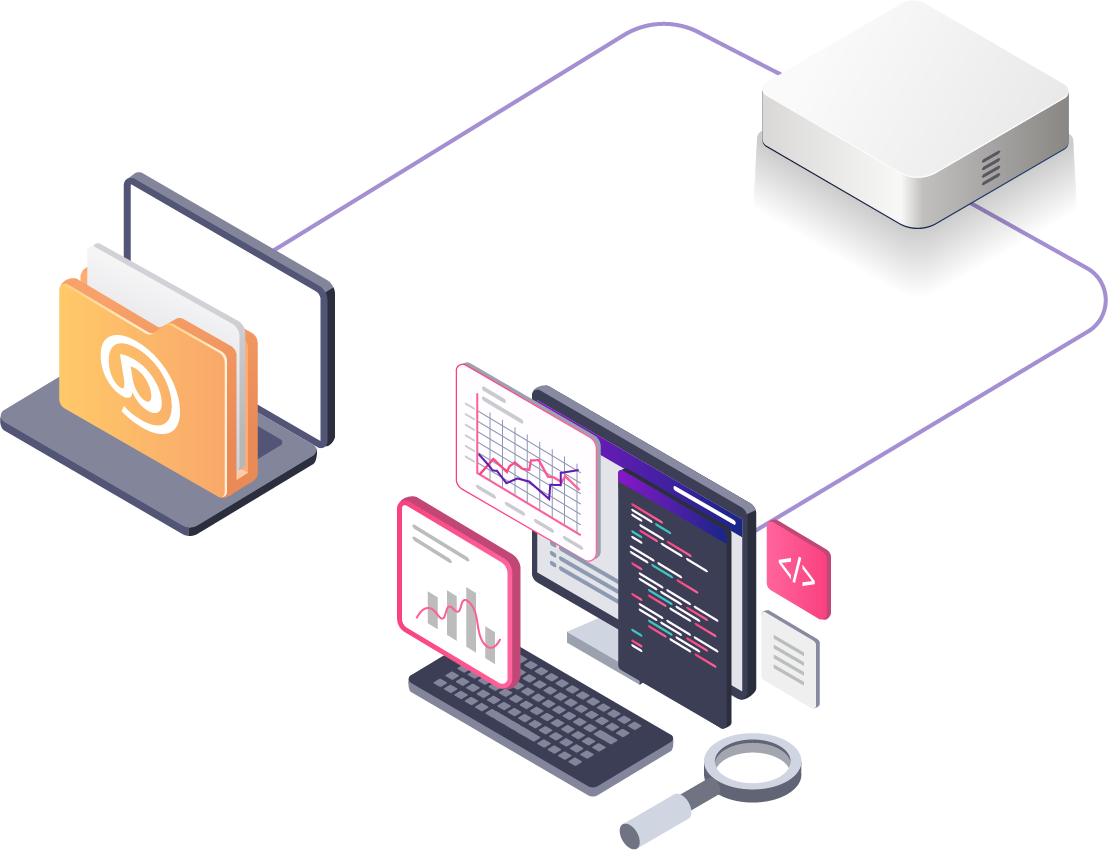
On-Site Backup
Ex. External Hard Drive
If your laptop or desktop’s hard drive crashes, and you have an up to date external hard drive available, you can quickly get the majority of your data back, or use the external on another computer while yours gets fixed or replaced. If you remember to keep that external hard drive fairly up to date, the exposure for data loss is fairly minimal, as you might only be exposed to losing the files that were on your laptop that had not yet been copied to the external hard drive.

Network Backup
Ex. NAS
As a secondary backup workstations and servers can be backed up to a network attached storage (NAS) system.
Upgrading to a NAS is a great decision for a growing business. They offer bigger storage capacity, a central place to organize your critical files and backups, easier multi-site collaboration, and better data protection than individual hard drives or workstations.
Key features of NAS backup storage:
-
Easiest type of network attached storage backup to implement
-
File-level data storage device
-
Connects over Ethernet
-
Relatively inexpensive to add additional NAS devices
-
Offers data redundancy to your storage architecture
-
Automatic backup to other devices and to the cloud
-
Remote data availability 24/7
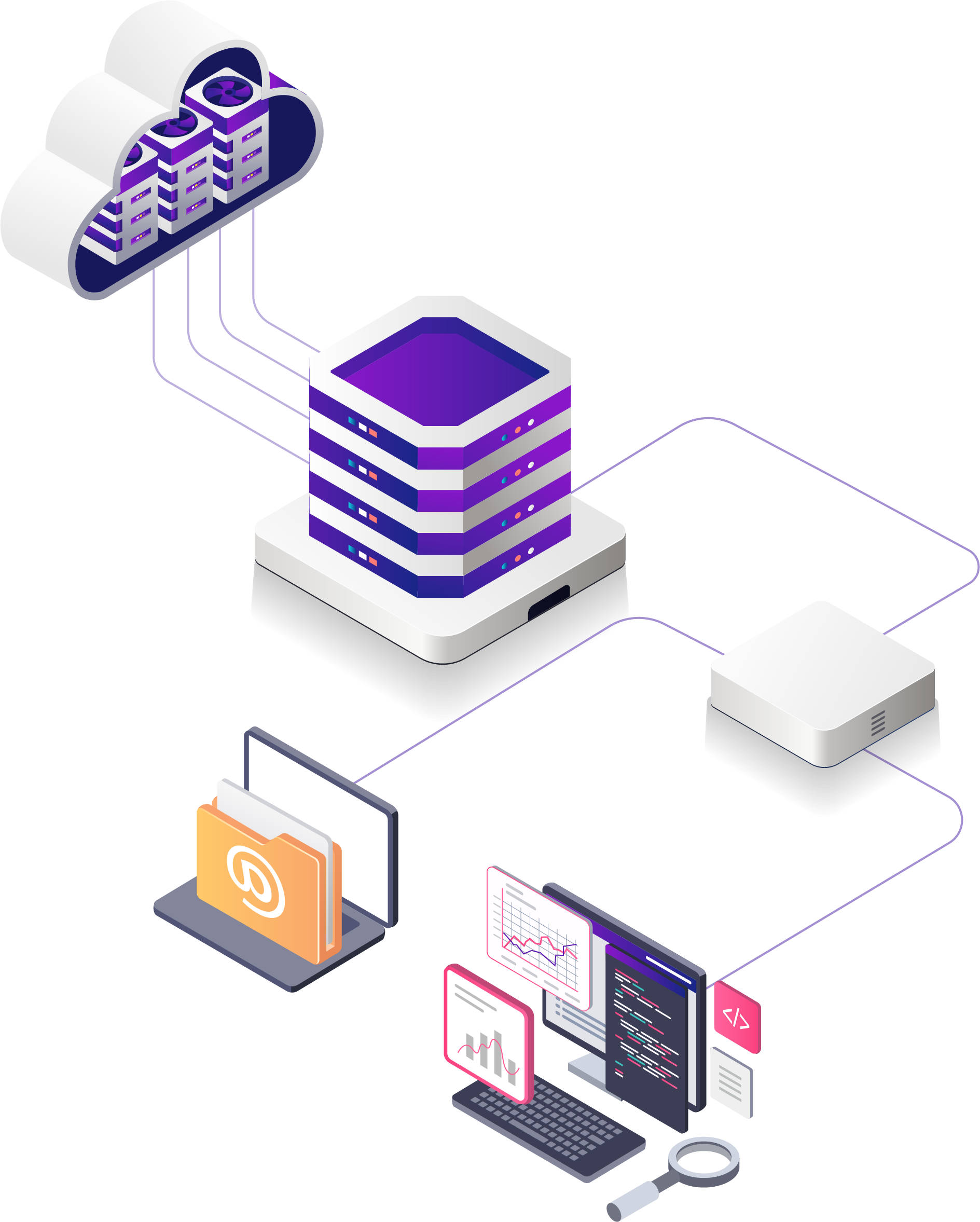
Cloud backup
Off-site Backup
Having an off-site backup is essential to having a complete backup strategy.
Off-site backup eliminates the risk associated with a single point of failure where local backups are prone to water damage, fire, theft, and other physical interruptions.
Offsite duplicates are needed for robust disaster and data backup recovery strategies and can allow for failover during local outages.
Contact
Address:
919 Linden Ave Unit B
Carpinteria CA 93103
Phone:
(805) 698-1450
Email:
[email protected]